

App store
Open Apps > App store to browse apps. Browse Featured categories and sections such as Most popular and Recently added, or use Search to find an app by name. App cards show a name and description, with a Details button.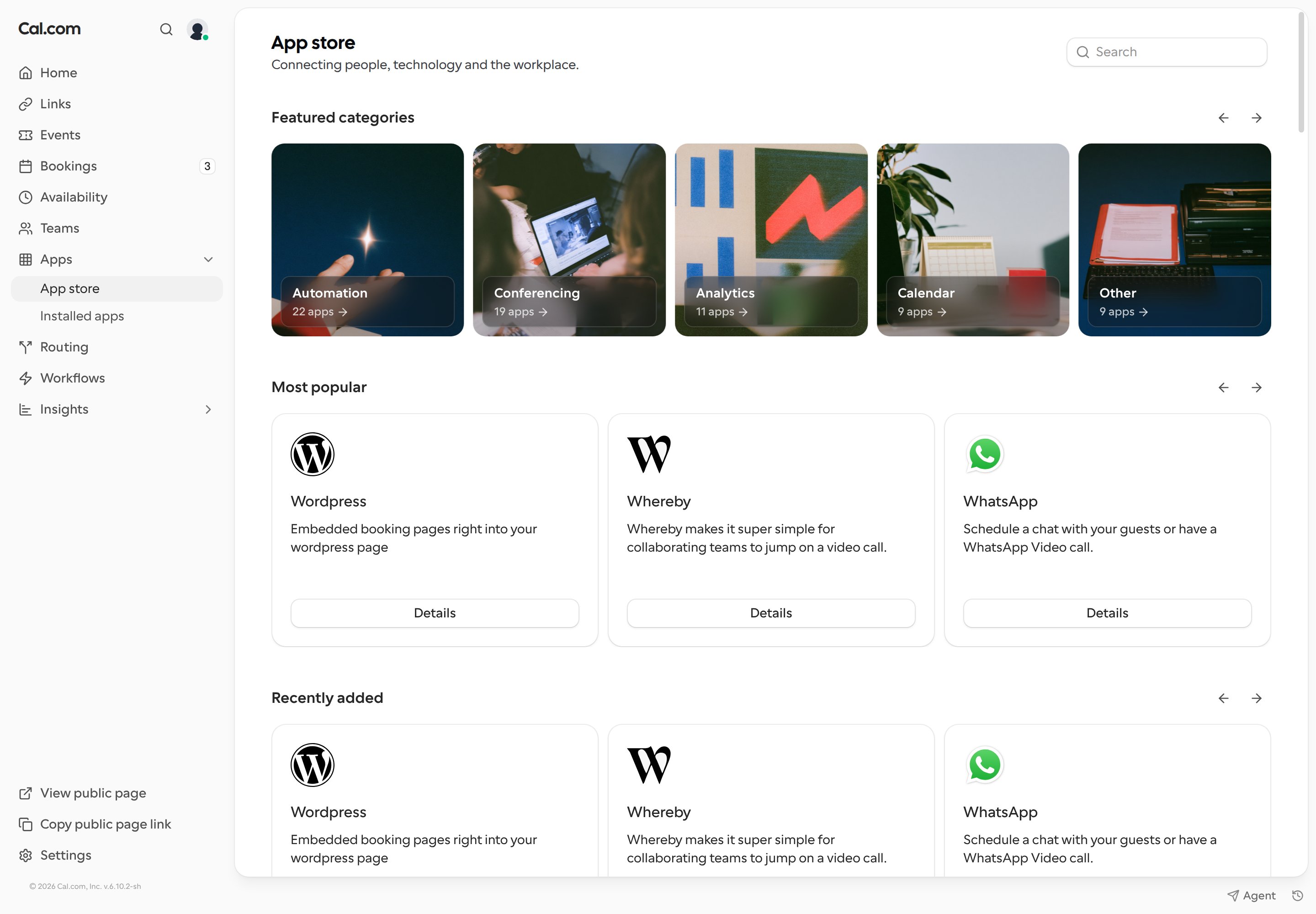
Installed apps
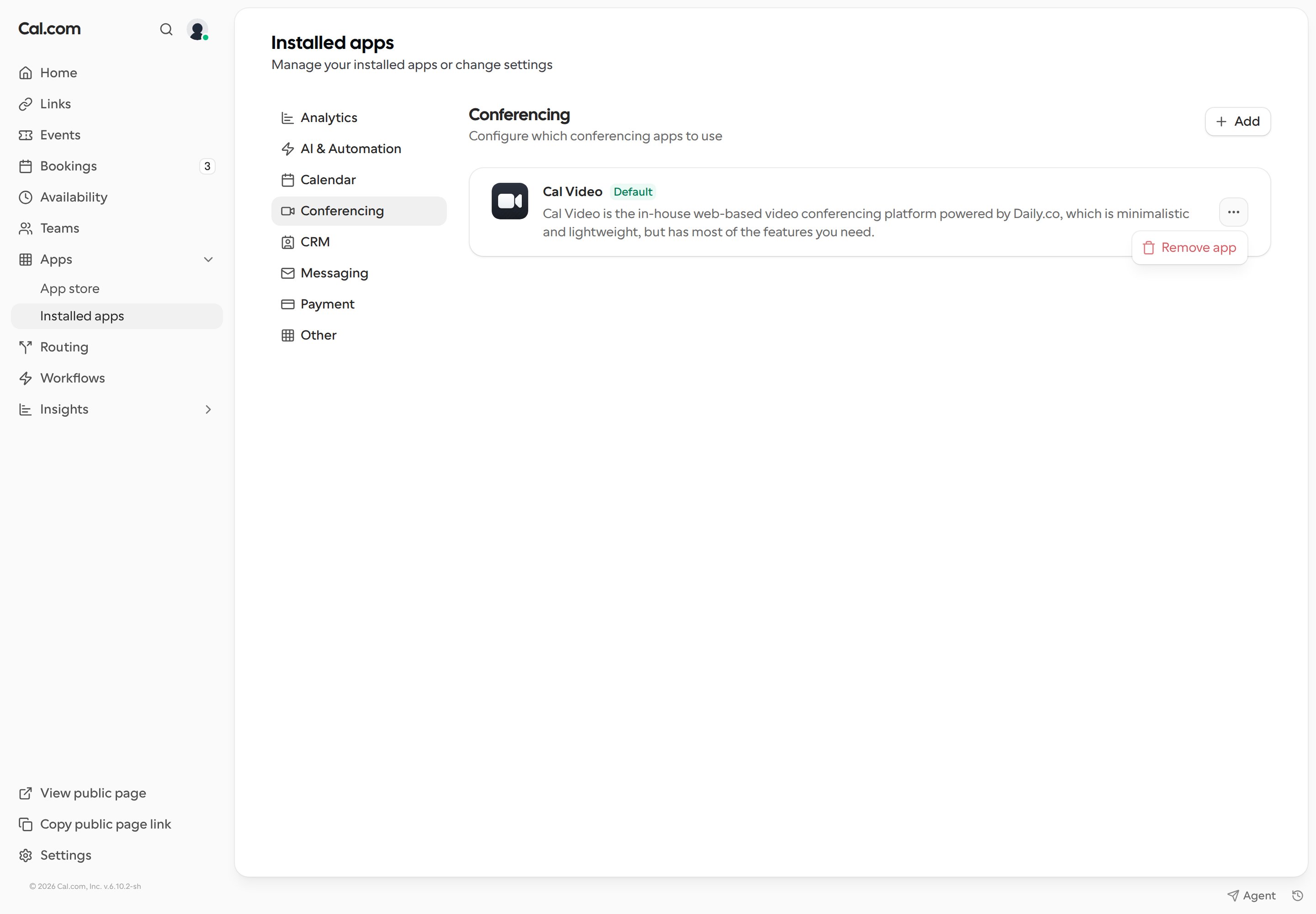
Open Apps > Installed apps to manage the apps on your account. The page URL follows/apps/installed/<category>. The category tabs are:
- Analytics
- AI & Automation
- Calendar
- Conferencing
- CRM
- Messaging
- Payment
- Other
Looking to build an app for Cal.com? Check out our guide for more information on building an app for our app store.