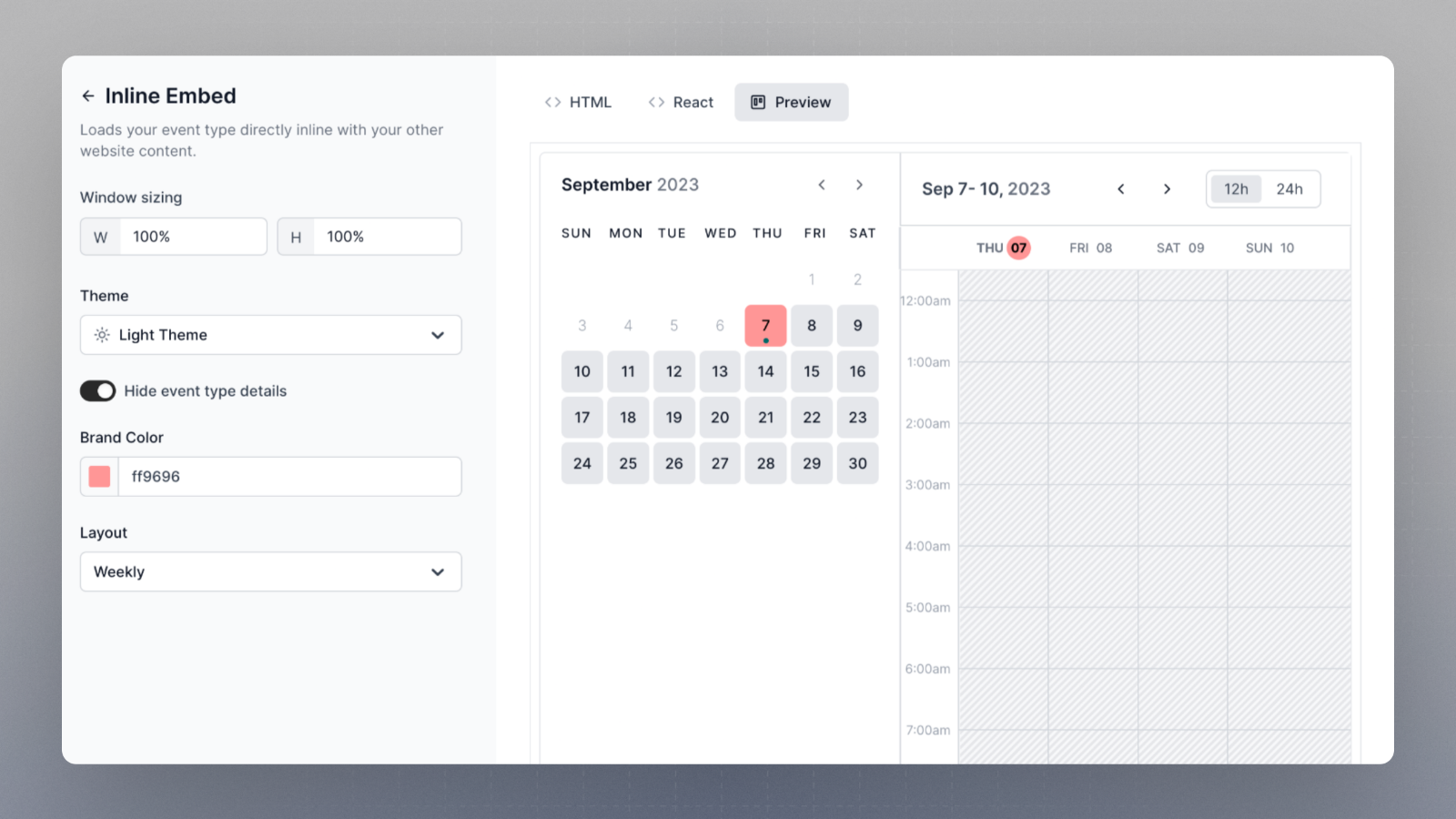
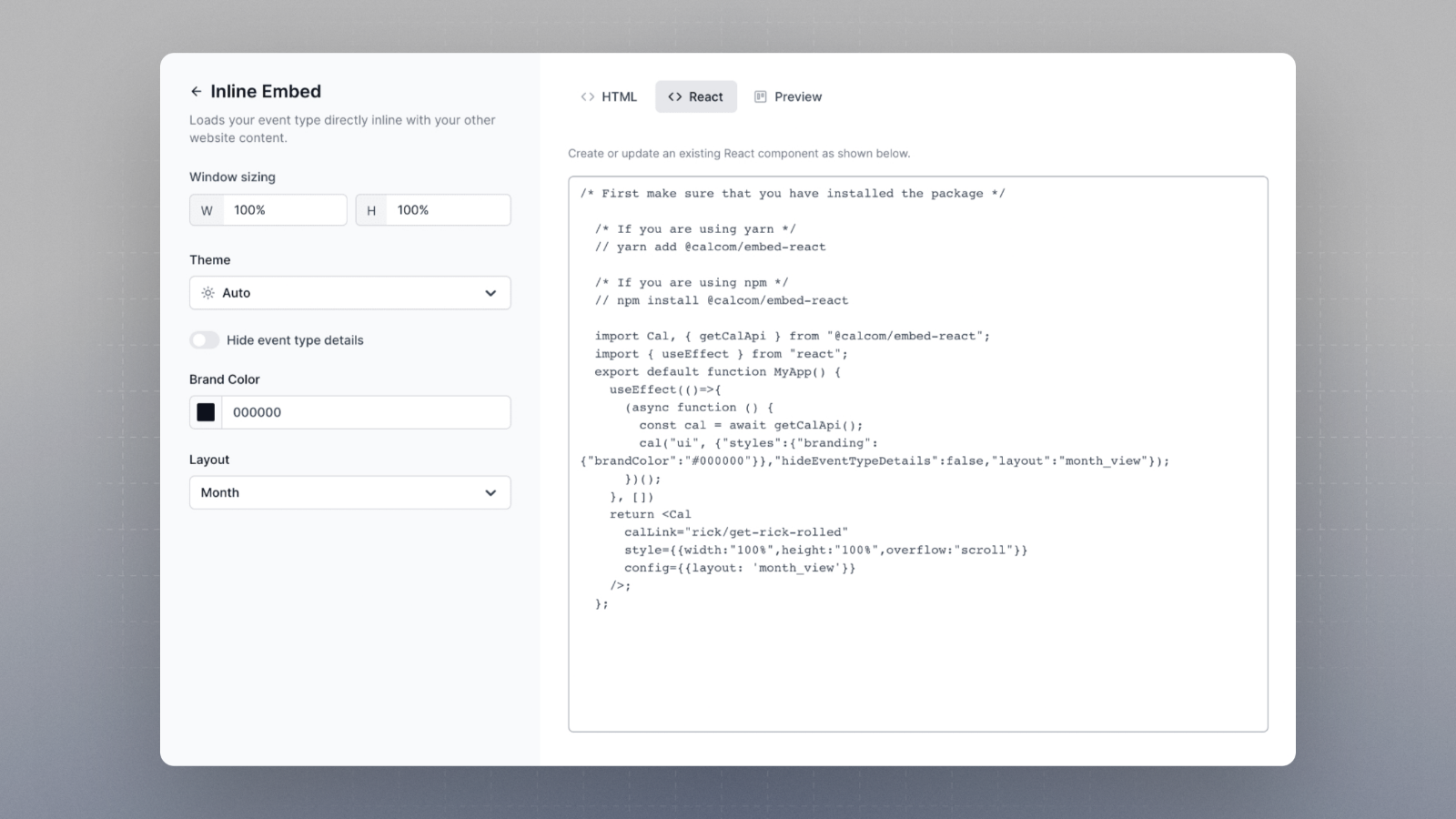
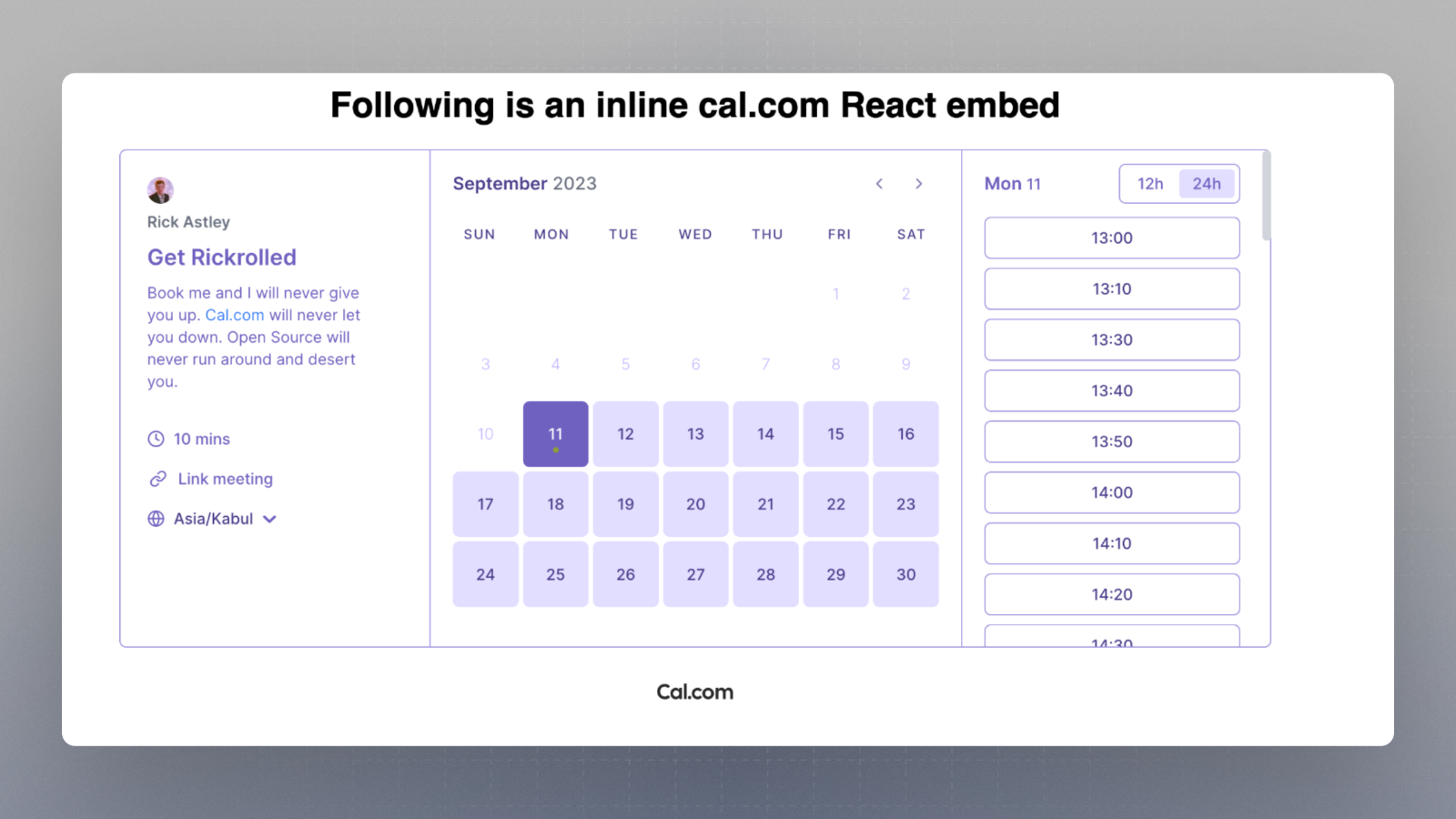
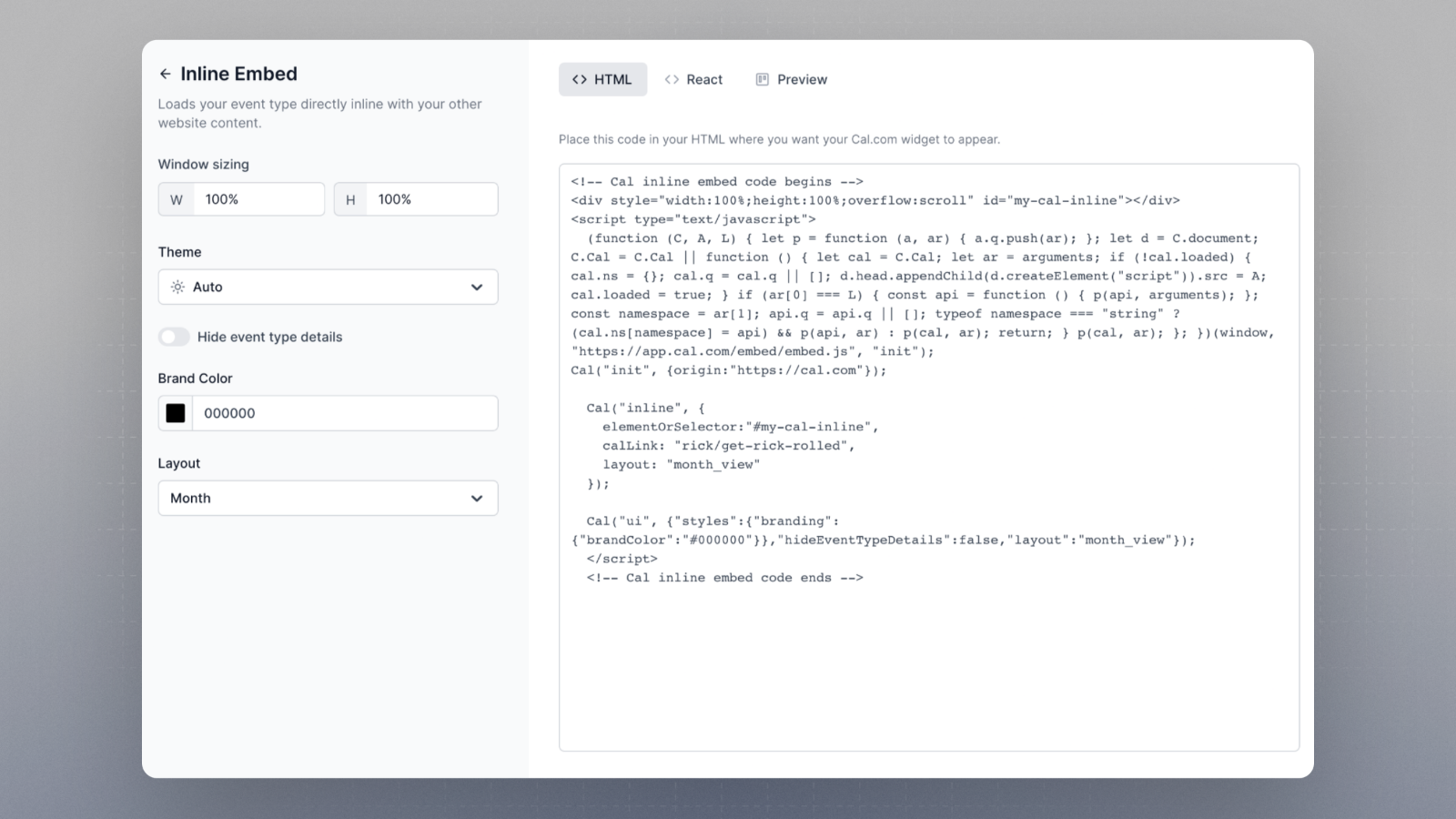
You can get code snippets for React or HTML and also configure many different aspects of embeds using the Embed Snippet Generator. The code snippet is automatically updated with the changes you make in it. Here is how you can access it.Documentation Index
Fetch the complete documentation index at: https://cal.com/help/llms.txt
Use this file to discover all available pages before exploring further.
-
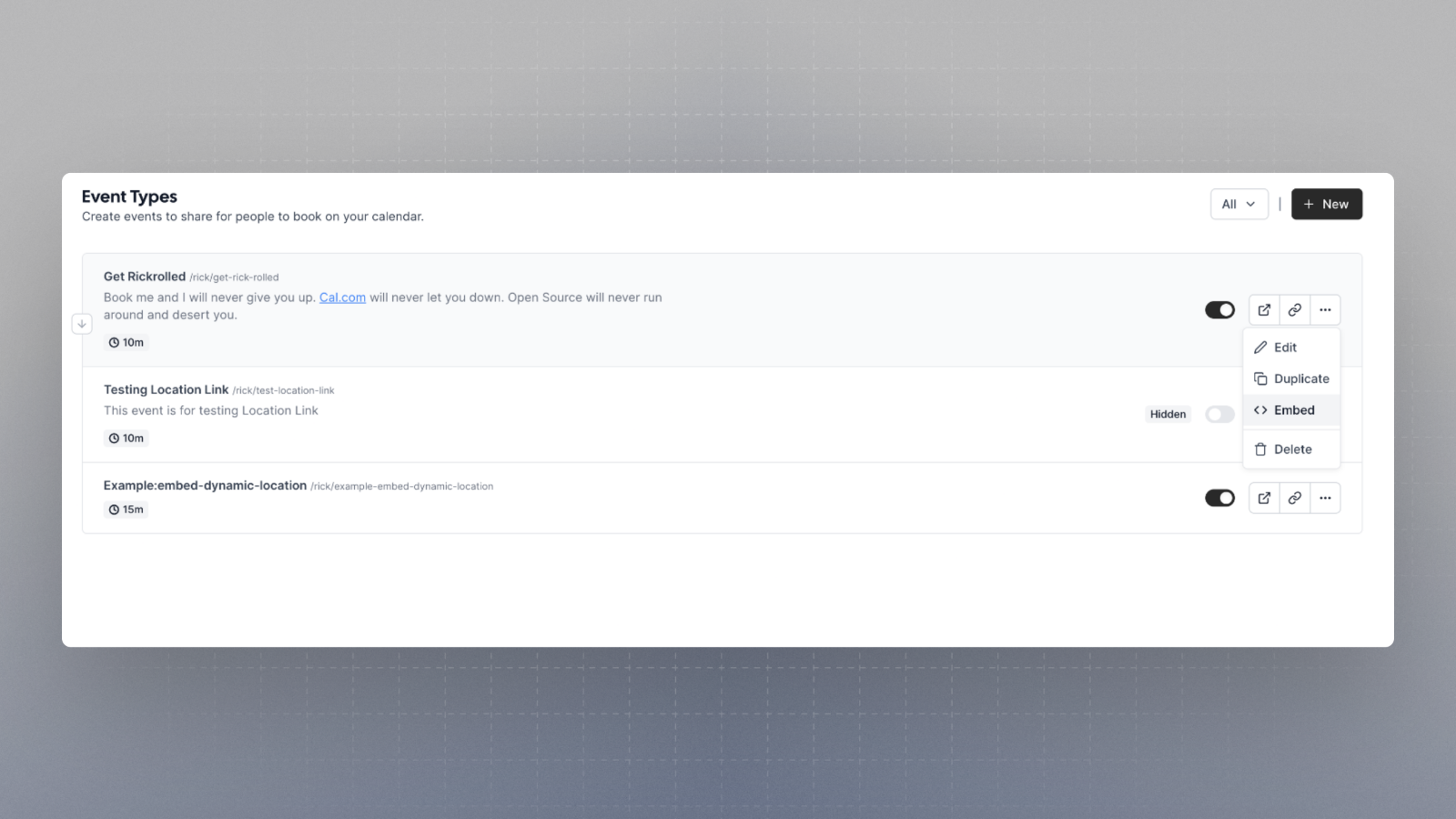
Click on three dots of the event type and click on the option
Embed
-
Configure as you require and then
a. Copy the HTML code snippet
or, b. Copy the React code snippet

What can you configure
- Size of embed
- Theme
- Toggle event type details
- Brand color
- Layout
- Floating button text
- Floating button position at the bottom