Appearance settings
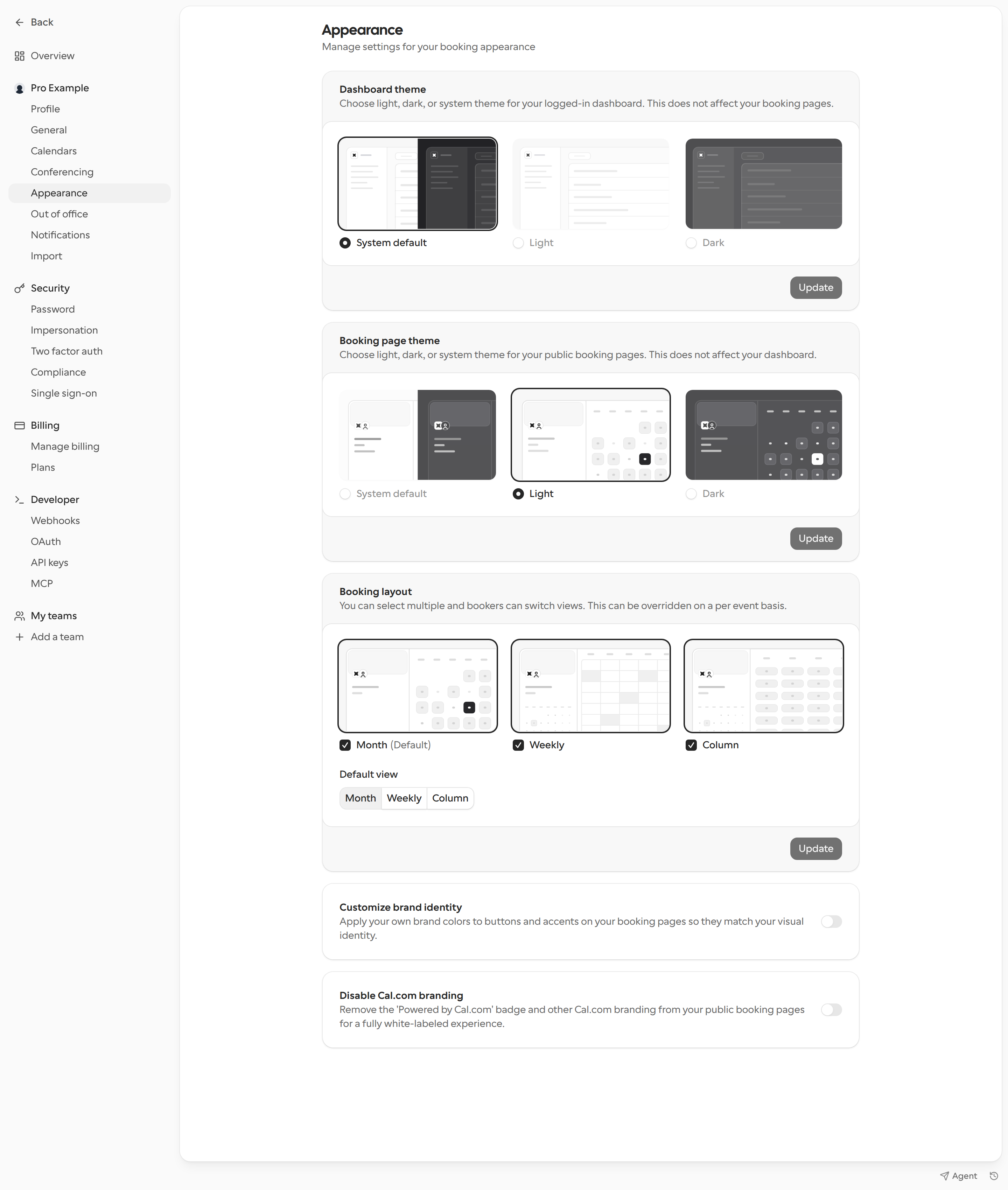
- Go to Settings > My account > Appearance.
- In Dashboard theme, choose System default, Light, or Dark. This changes the logged-in dashboard, not your booking pages.
- In Booking page theme, choose System default, Light, or Dark. This changes your public booking pages, not your dashboard.
- In Booking layout, choose Month, Weekly, or Column. Bookers can switch between the layouts you select. Choose a Default view to set which layout opens first. The event type can override these settings.
- In Customize brand identity, turn on Enable custom brand colors to set a Brand color (light theme) and Brand color (dark theme) for buttons and accents. Cal.com warns you if either color does not pass the contrast check. Under Corner style, choose Sharp or Rounded.
- Turn on Disable Cal.com branding to remove the “Powered by Cal.com” badge and other Cal.com branding from your public booking pages. Availability depends on your plan.
If you are part of an organization, only Dashboard theme appears here. Your organization sets the booking page theme and brand colors. See organization profile and general settings.
Per-link overrides
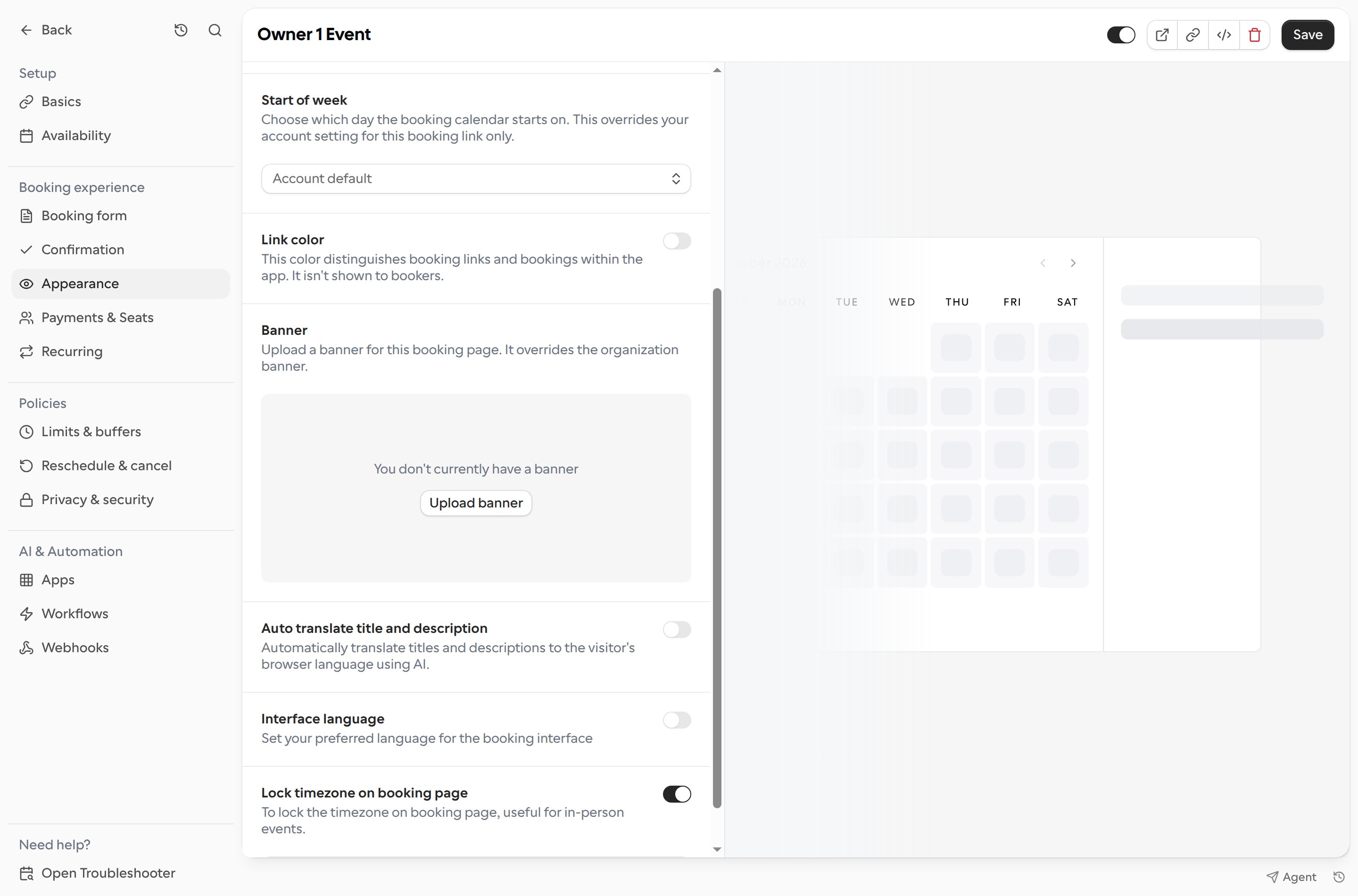
- Open Links, select a booking link, and choose Appearance.
- Set options such as Layout, Link color, Banner, Start of week, and Interface language. Turn on Lock timezone on booking page to keep booking times in a specific timezone.