The basics
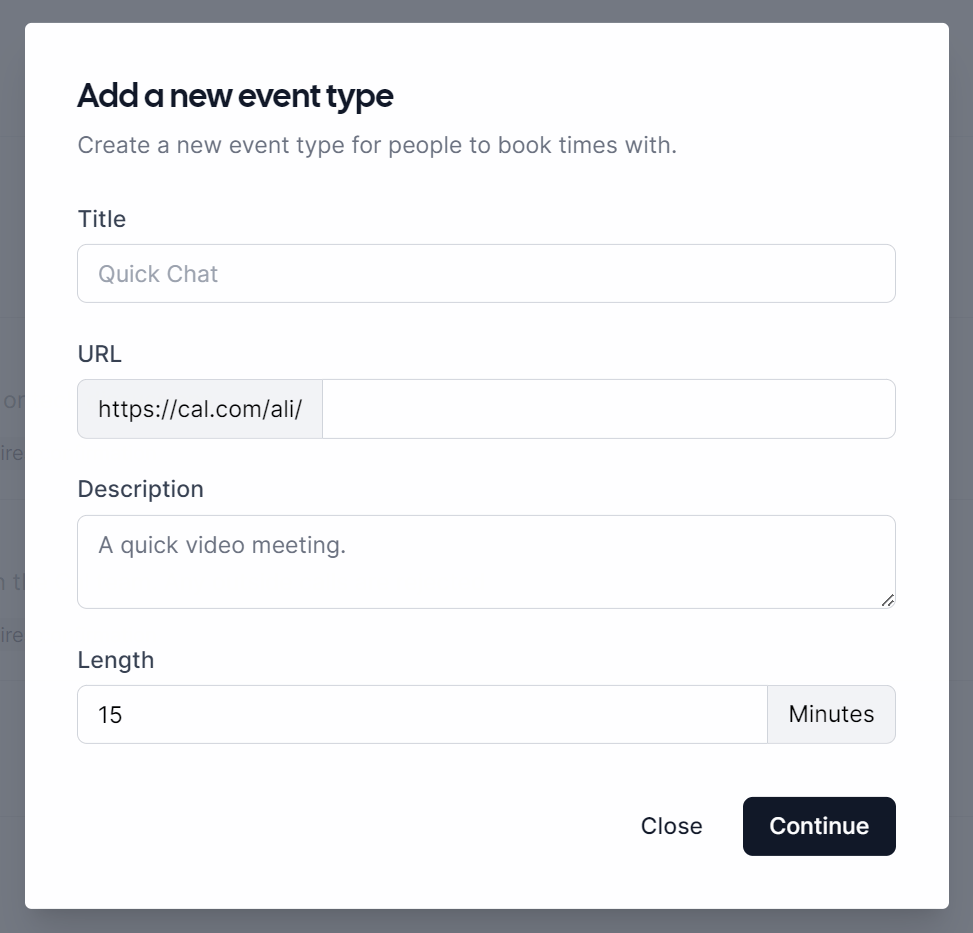
Head over to the booking links page, then click the New booking link button in the top right. You’ll now be presented with the create booking link dialog, which prompts you to enter in the basic information needed to get a working booking link set up:- Title
- URL (e.g. cal.com/bailey/example-event)
- Description
- Length