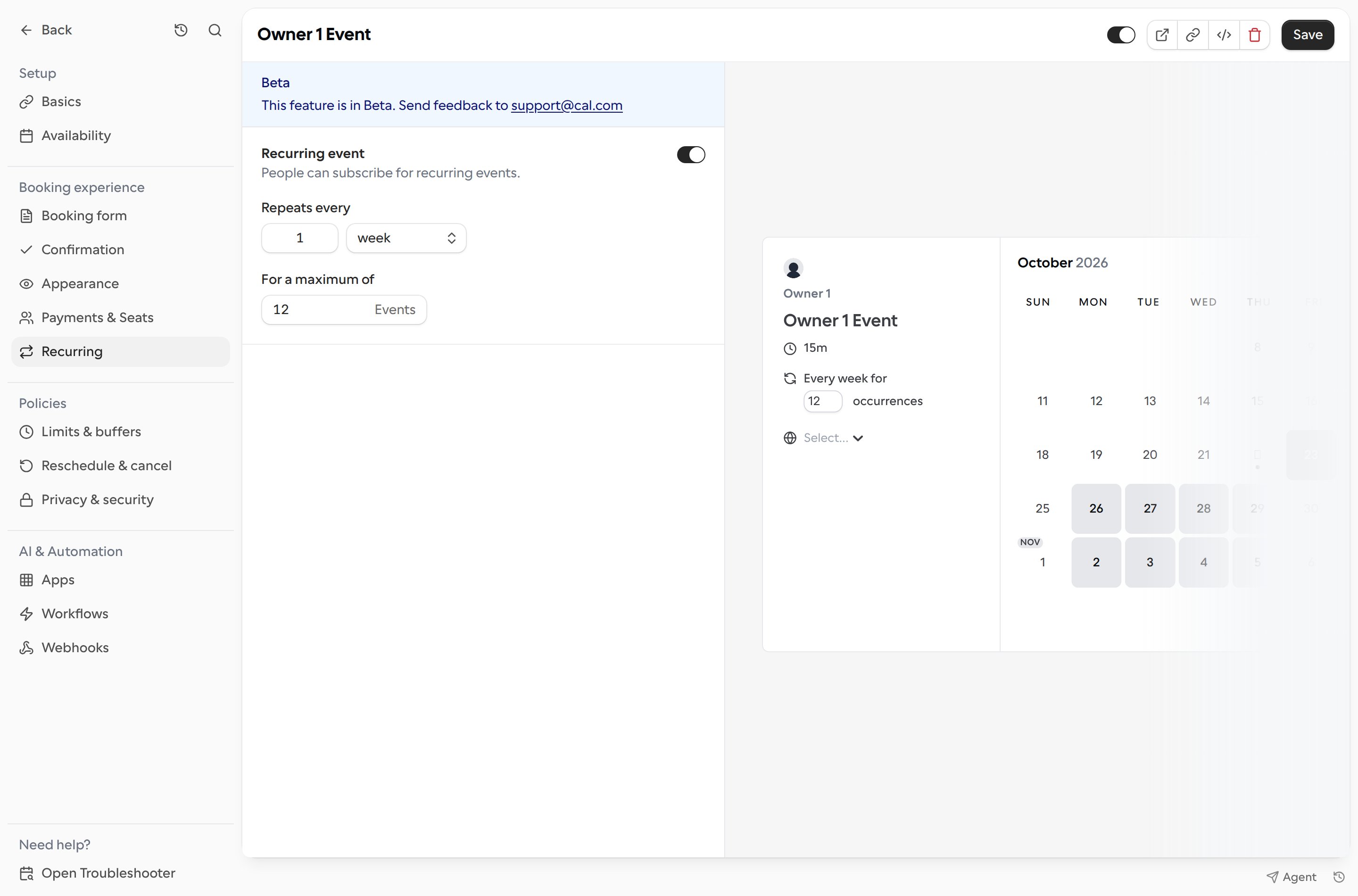
Set up a recurring link
- Open Links and select the booking link you want to edit.
- Choose Recurring.
- Turn on Recurring event.
- Under Repeats every, enter an interval from 1 to 20 and choose a weekly, monthly, or yearly schedule.
- Under For a maximum of, enter the number of events in the series. A series can have up to 32 occurrences. Bookers can choose fewer occurrences, up to this maximum.
- Select Save.