

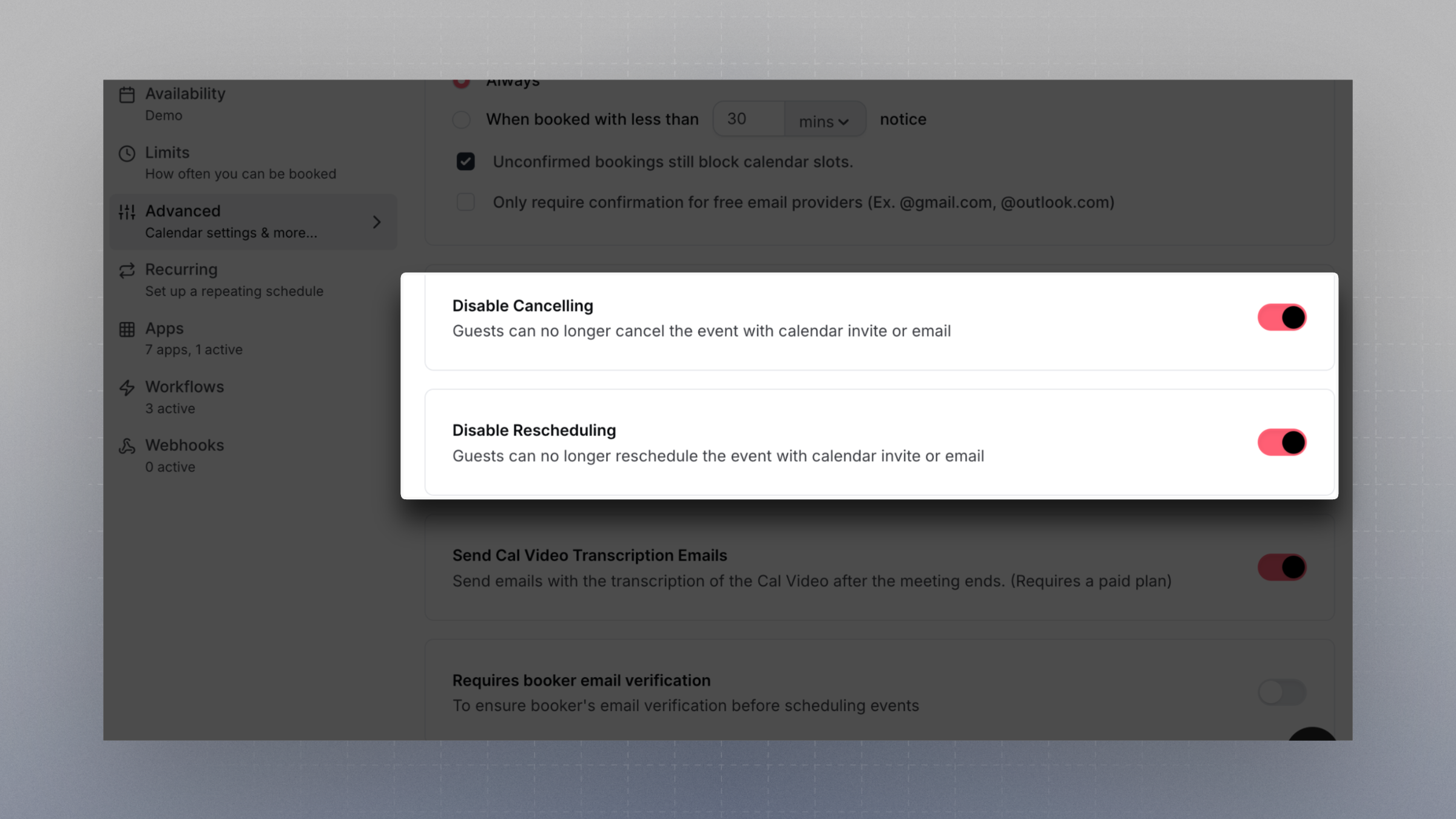
Disable Cancelling
When this setting is enabled:- Guests will no longer be able to cancel their booking via calendar invite links or email.
- Organizers will also lose the ability to cancel the event from within the Cal.com dashboard or via calendar/email links.
Disable Rescheduling
When this setting is enabled:- Guests can no longer reschedule their booking using the links provided in their confirmation email or calendar event.
- Organizers are also prevented from rescheduling the event through the dashboard or calendar tools.
These settings apply to the entire event, and affect both parties. Use with caution if flexibility is important for your scheduling flow.