

1
Create a workflow for that event
Users must have a workflow enabled that sends an email to attendees or the organizer (depending on which email they want to disable) upon booking for the specific booking link. This workflow serves as an alternative method of confirmation. Make sure you select the correct booking link for that workflow.
2
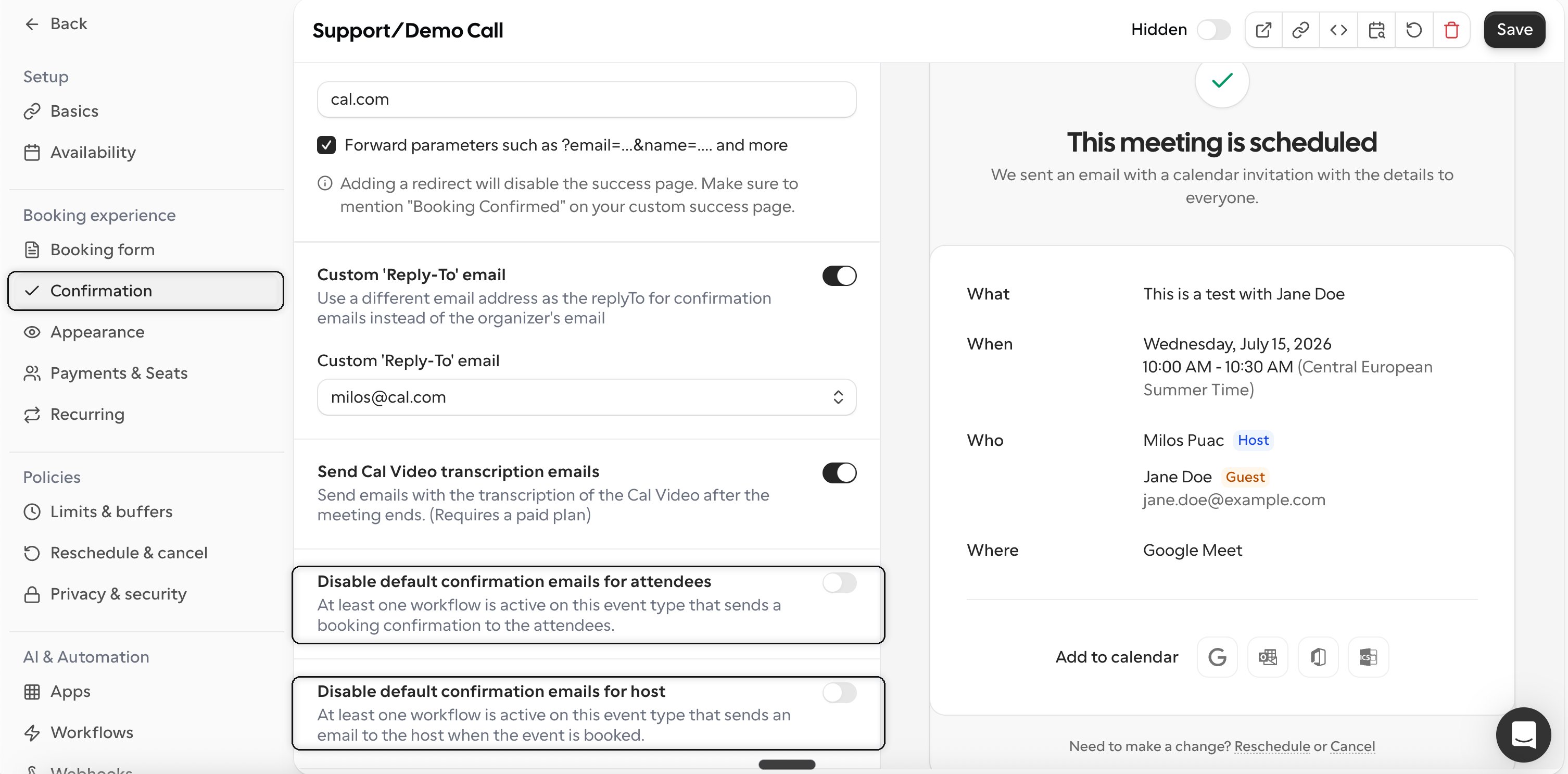
Disable default confirmation emails for attendees
You will find that toggle in the Confirmation tab of the `Booking experience` section of the booking link settings.
3
Save changes
After disabling confirmation emails, remember to save your changes to ensure they take effect.