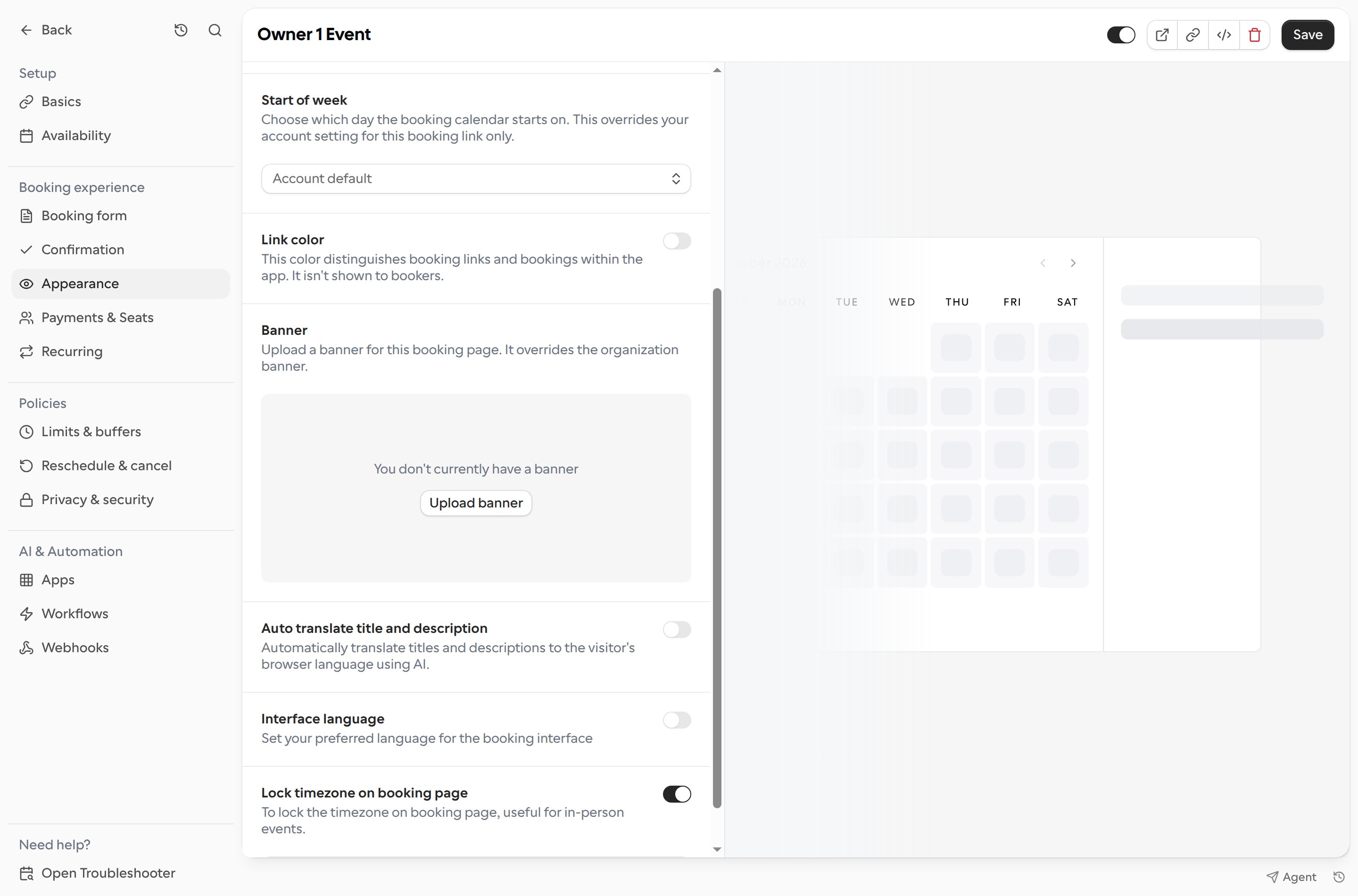
Lock the booking page to a specific timezone when bookers need to see event times in the organizer’s timezone instead of their local timezone. This is useful for in-person events.
Open Links and select a booking link.
Choose Appearance and turn on Lock timezone on booking page.