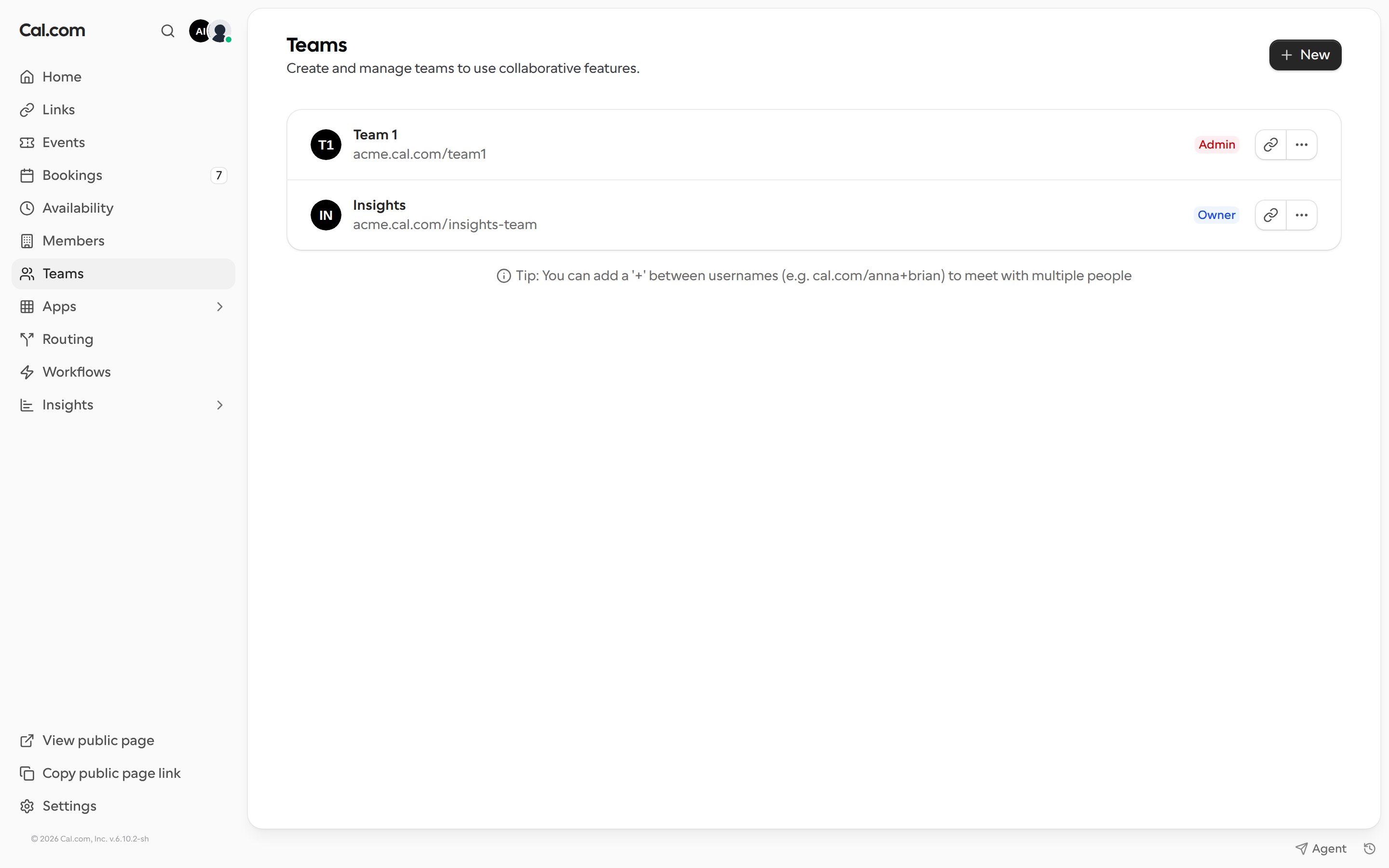
Create the team
- Go to Teams in the left sidebar and click New.
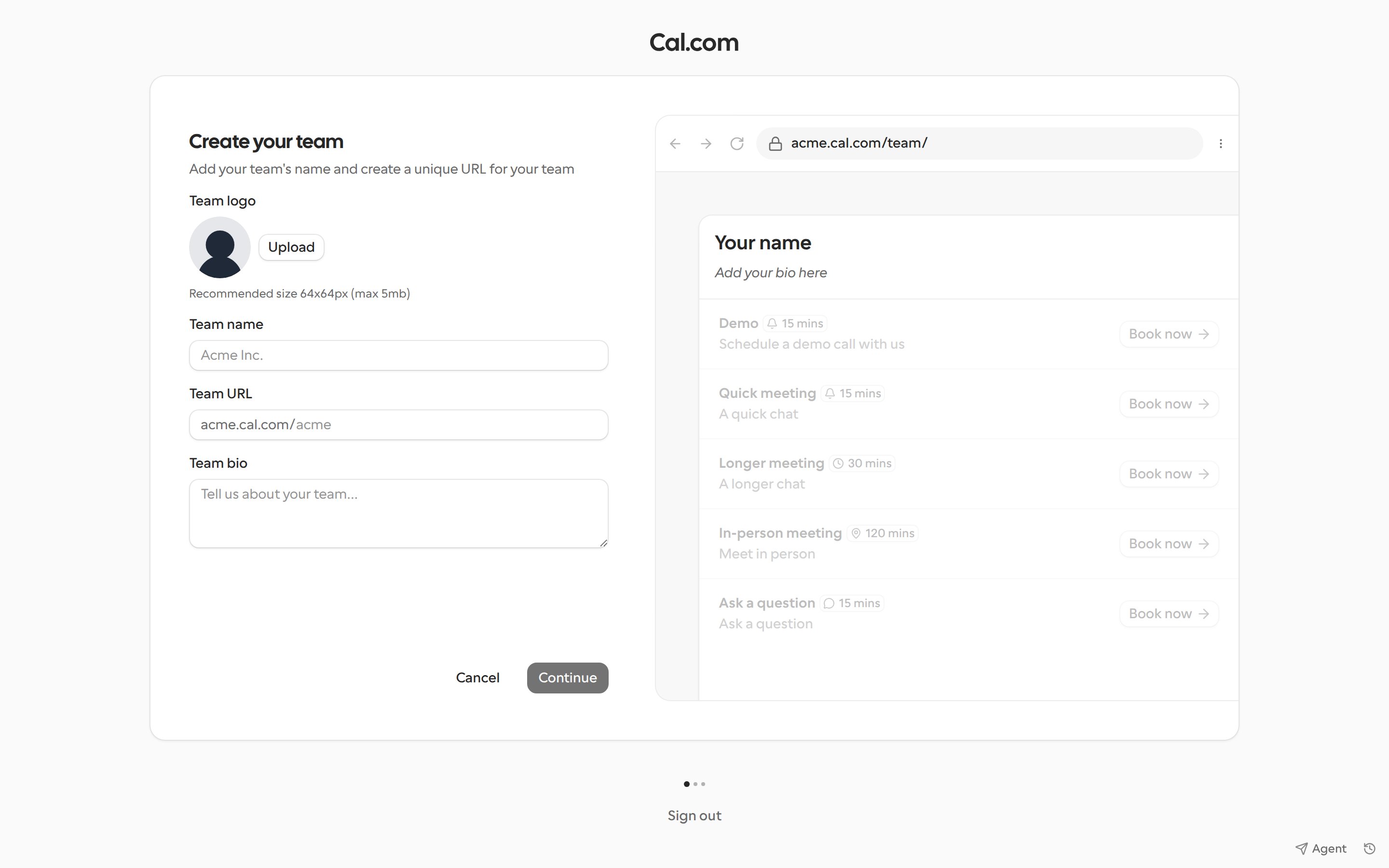
- Upload a Team logo (recommended size 64x64px, max 5 MB).
- Enter a Team name. Cal.com suggests a Team URL from the name. You can edit it.
- Add a Team bio (optional).
- Click Continue.
Invite members
After the team is created, the Invite step lets you connect Google Workspace, invite people by email, upload a CSV file, or copy an invite link. You can also click Skip for now and invite people later. See Invite team members.Manage your teams
The Teams page lists every team you belong to. Open the menu on a team to:- Copy link to team or Preview team to see its public page.
- Edit team to open its settings. See Team settings.
- Invite team member.
- Publish team, if the team has not been published yet.
- Leave team, or Disband team if you are the owner.